
Why Your Zoho CRM Dashboards Don’t Drive Decisions
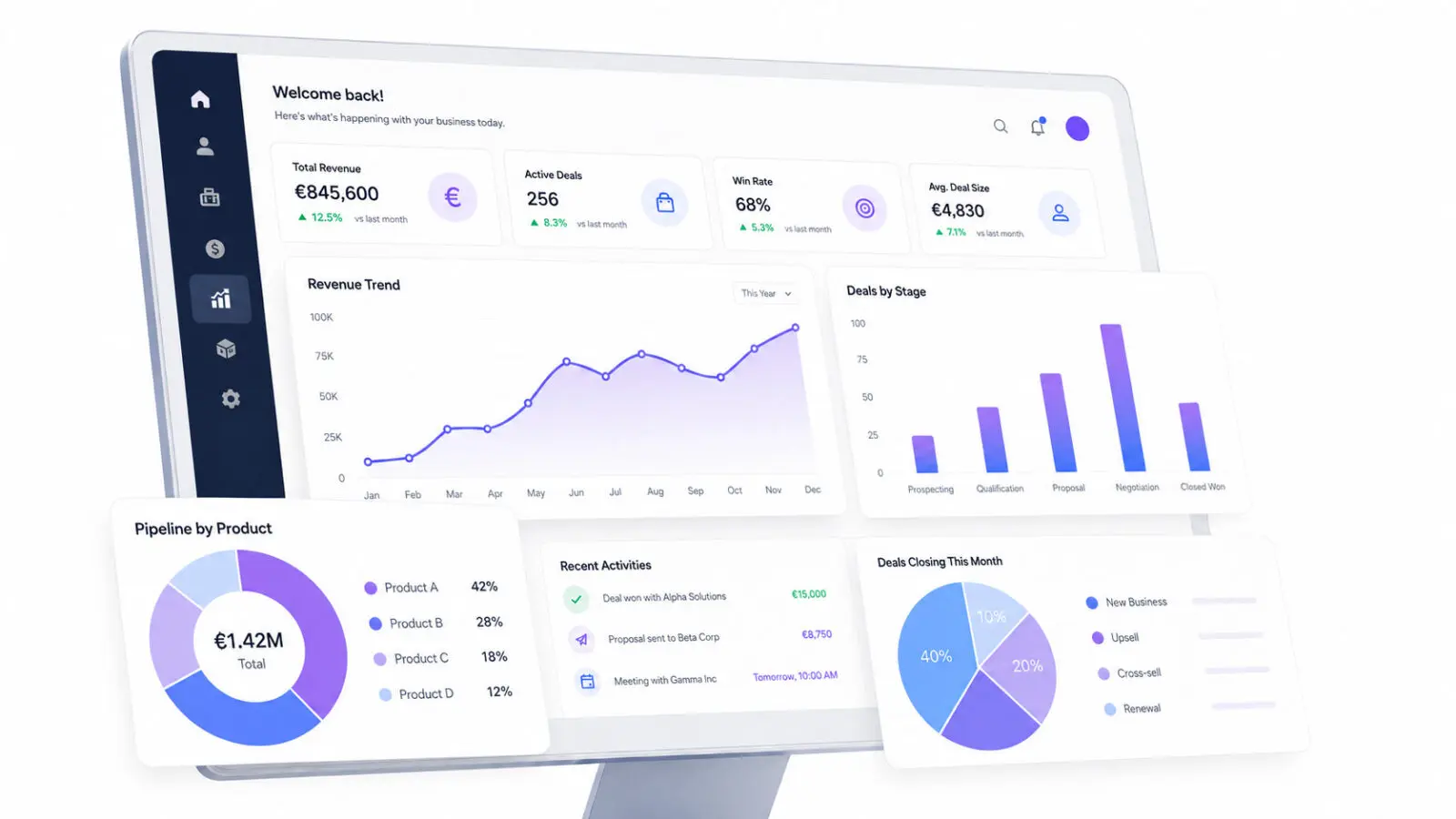
This is one of the clearest signs that a CRM dashboard is not supporting the business.
For SMB leaders, this is more than a reporting problem. Poor CRM insights can delay revenue decisions, hide pipeline risks, and make it harder to allocate resources confidently.
Most Zoho CRM dashboards fail for three fundamental reasons.
Three Reasons Zoho CRM Dashboards Fail SMBs
Result: Salespeople maintain private spreadsheets, managers request manual reports, and meetings begin with discussions about whether the numbers are correct.
Benefits of fixing this:
– Teams work from one reliable source of information
– Manual and duplicate reporting is reduced
– Leaders can make decisions without first validating every number
– Forecasts reflect actual pipeline activity rather than assumptions.
A dashboard may show the number of leads, calls, meetings, and open deals without explaining whether the pipeline is healthy, which opportunities require attention, or where revenue is being lost.
Result: Leadership receives more information, but not better insight.
Benefits of fixing this:
– Every metric connects to a business objective or decision.
– Teams know what action should follow each signal.
– Leaders can identify bottlenecks and priorities faster.
– Reporting focuses attention instead of creating information overload.
Result: The dashboard gradually stops reflecting how the business actually operates. Users lose confidence in it and return to manual reporting.
Benefits of fixing this:
– Dashboards remain aligned with current business priorities.
– New reporting needs are incorporated into the CRM.
– Teams continue using dashboards as processes evolve.
– Leadership retains visibility during periods of growth or change.
How to Build Dashboards That Drive Decisions
Start With the Decision
Which deals need management attention?
Is the pipeline sufficient to reach the revenue target?
Where are leads becoming blocked?
Which sales activities contribute to conversions?
Only then should you select the required CRM data and metrics.
Prioritise Trustworthy Metrics
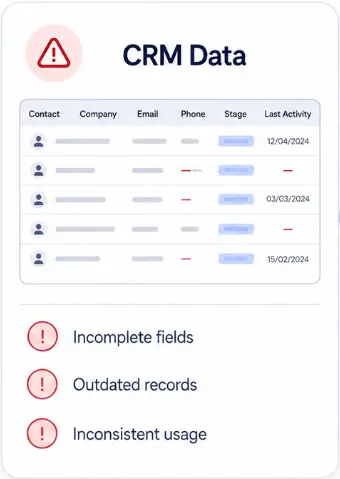
Design for Each User Role
A sales representative may need overdue activities and deals requiring follow-up. A manager may need pipeline movement, conversion rates, and stalled opportunities. Leadership may need forecasts, trends, and revenue risks.
Protect Data Integrity
Zoho also recommends using validation rules to prevent incomplete or incorrect data from entering the CRM. See Zoho’s guidance on validation rules in Zoho CRM.
Review Dashboards Regularly
The Business Impact of Better CRM Reporting
Sales leaders can see genuine pipeline health instead of relying on inflated forecasts or outdated deal values. At-risk opportunities, stalled deals, and missing follow-up activities become visible early enough for the team to act.
Management can identify which campaigns, sales activities, market segments, or team members produce meaningful results. Resources can then be directed towards opportunities with the strongest potential rather than the highest apparent volume.
Support and customer-facing teams can also identify recurring problems before they affect retention.
Teams spend less time questioning numbers or reconciling different reports. Meetings can focus on decisions, responsibilities, and next actions instead of debating which spreadsheet is correct.
This also strengthens CRM adoption because users can see that maintaining accurate data produces useful outcomes.
Eliminate the hours spent each week creating and maintaining spreadsheet reports that duplicate CRM data.
Are Your Zoho CRM Dashboards Supporting Real Decisions?
FAQ
Why do Zoho CRM dashboards fail to drive decisions?
Zoho CRM dashboards usually fail when users do not trust the underlying data or when the displayed metrics do not support specific business decisions. Incomplete records, inconsistent CRM usage, outdated reporting structures, and irrelevant KPIs can all cause teams to ignore dashboards and rely on spreadsheets instead.
What are the most common Zoho CRM dashboard problems SMBs face?
The most common problems include incomplete or inconsistent CRM data, metrics that are disconnected from business goals, dashboards that are not adapted to individual user roles, and reports that have not evolved with the company’s sales process. These issues can make dashboards visually impressive but operationally ineffective.
How can I tell if my CRM dashboard is not working effectively?
Common warning signs include teams exporting CRM data to spreadsheets, managers asking for updated figures before every meeting, leadership questioning whether the numbers are accurate, and important decisions being made without referring to the dashboard.
Another sign is when dashboards are available but rarely discussed, reviewed, or used to trigger specific actions.
What makes a CRM dashboard actually drive business decisions?
A decision-driving CRM dashboard begins with a clear business question. It presents a limited number of reliable metrics, highlights exceptions or risks, and helps the user identify the next action.
Effective dashboards are also adapted to specific roles. A salesperson, sales manager, and company director should each see the information most relevant to their responsibilities.
How often should I update my Zoho CRM dashboards to stay relevant?
Review your Zoho CRM dashboards at least quarterly and whenever there is a significant change to your sales process, team structure, targets, products, territories, or reporting requirements.
The underlying data quality should be monitored continuously. A dashboard can become unreliable long before its visual layout needs to change.